Client Monitor
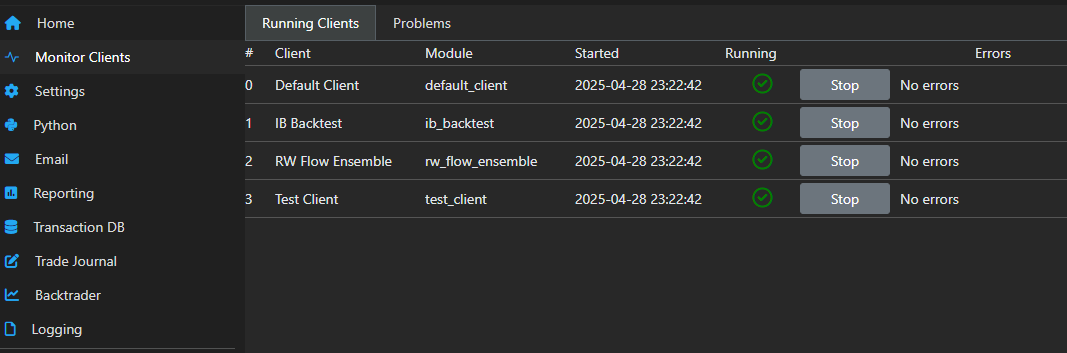
The Client Monitor provides a live updated view of all running clients and allows them to be stopped or started individually. If changes need to be made to a client, these will take effect once the client is stopped and restarted.
Load errors
If a client fails to start it will be included in the Problems tab. This can be due to a syntax error, like an unmatched parenthesis or an indentation error, for instance. It can also happen if the Client class is missing or not correctly declared. A full stack-trace is provided to track the error.
Once the problem is fixed, the client can be reloaded and then moves from the Problems table to the Running Clients.
Runtime errors
If a runtime error occurs, like an unhandled division-by-zero for instance, it will not prevent the client from loading, but it will crash at some point while running. If this happens, the client will stop and the stack trace will be shown directly in the Running clients tab.