Database / SQL
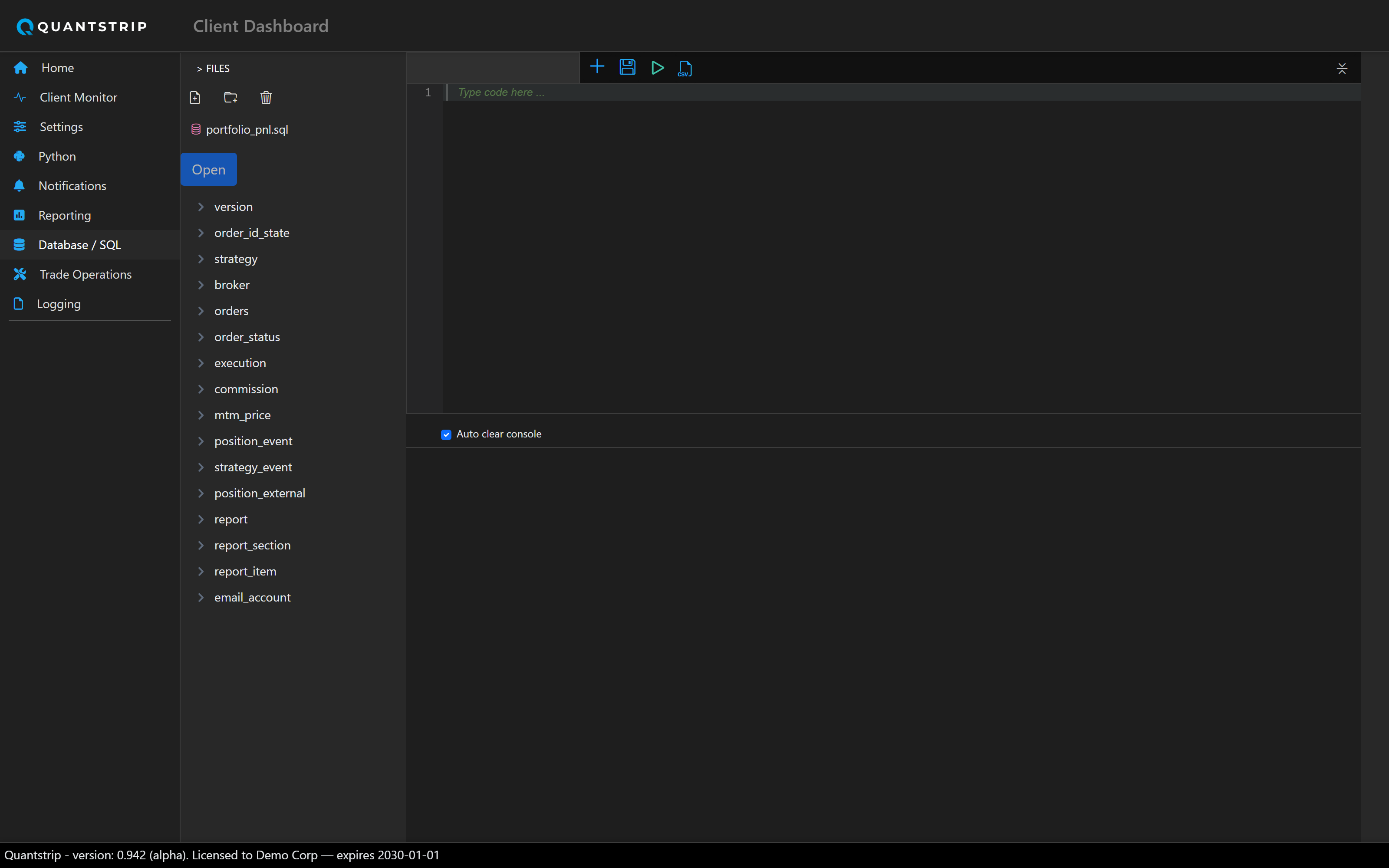
A free-text SQL editor against Quantstrip's own SQLite database — the same database every other page and every strategy client reads and writes through.
docs/assets/screenshots/ and it will appear here automatically.
Editor
The main panel is a code editor in SQL mode. Query text is passed directly to
DBHandler.run_query, the same method used by other pages and client scripts.
SELECT statements render results as a table below the editor; results can be
exported to CSV.
INSERT, UPDATE, DELETE, and DROP all
execute immediately as typed, equivalent in effect to a raw sqlite3 shell
against the production database.
Saved queries
A file-tree panel alongside the editor organizes .sql files in folders: New
File, New Folder, Open, Save, Save As, and Delete. There is no query-history feature; a query
must be saved explicitly to be kept.
Schema browser
A separate tree panel shows the database schema (tables and columns), generated directly from the live database rather than maintained separately.
run_query and the higher-level order/execution/position methods built on it.