Notifications
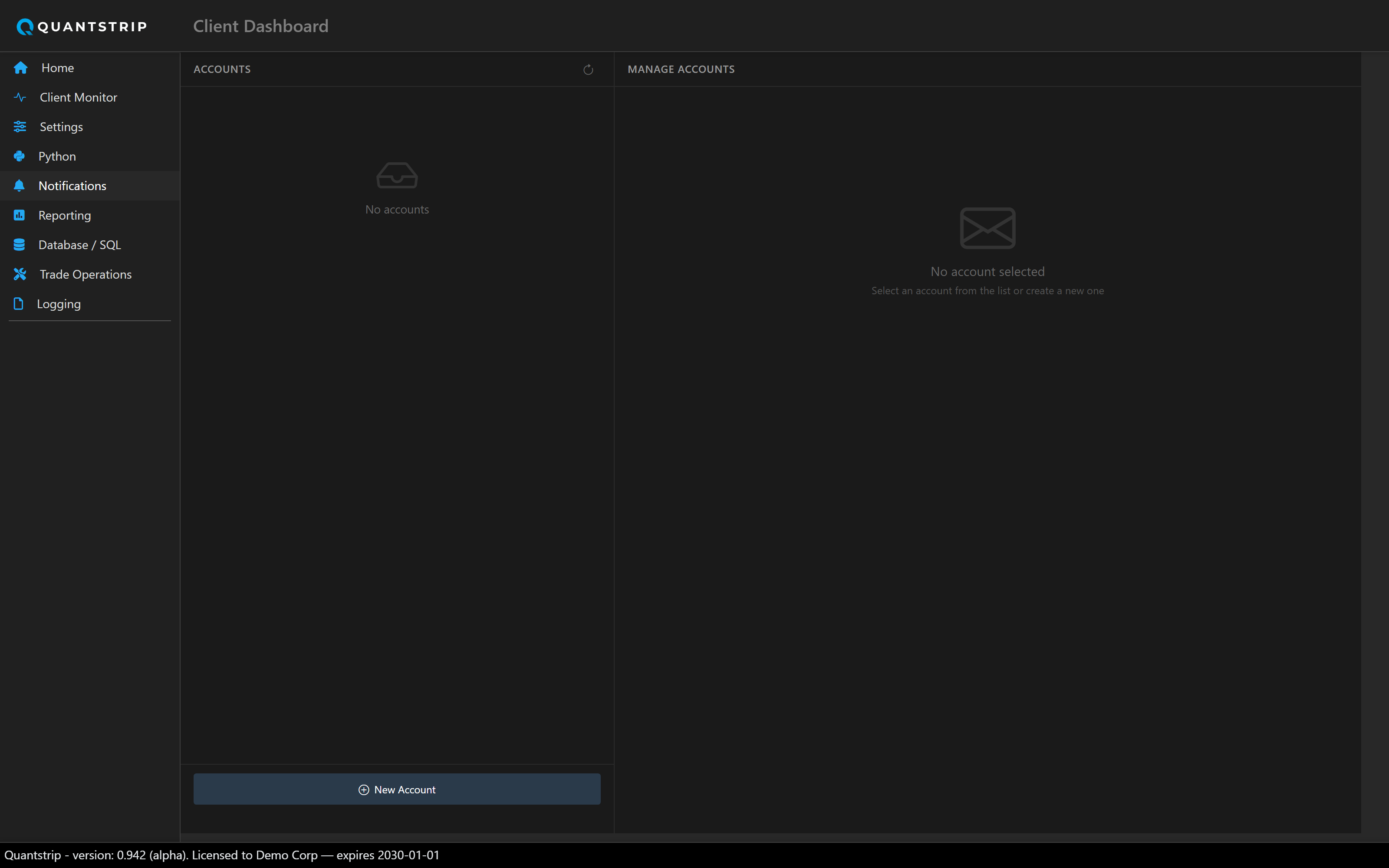
CRUD for email accounts (route /Email) — the same accounts table
strategy scripts send through via the email API.
docs/assets/screenshots/ and it will appear here automatically.
Accounts
Each account has a name, provider, SMTP server/port, a TLS toggle, username/password,
from-address, and a default flag (shown with a star badge). The default account is used by
send_email() when a script does not specify one explicitly.
Provider presets
Selecting Gmail, Outlook, or Yahoo auto-fills the server, port, and TLS settings for that provider, along with provider-specific setup notes; Gmail requires an App Password rather than the account password. Selecting Custom requires entering all fields manually.
secret-typed values on the Settings page. Not protected at rest.
Testing
A test email can be sent through a configured account directly from this page, surfacing SMTP configuration errors here rather than during strategy execution.
send_email(...) or
email_manager.send(...) — see
the email API reference.